WordPress Quiz Maker Plugin
The most easy to use, powerful, and blazing-fast quiz maker for WordPress. Engage your audience, capture leads, and test knowledge without slowing down your site.
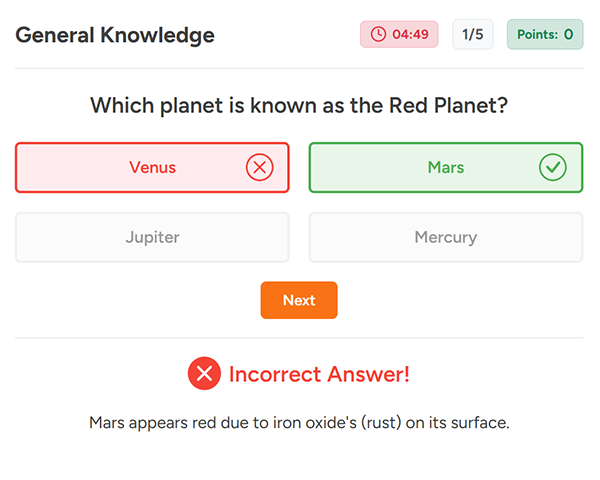
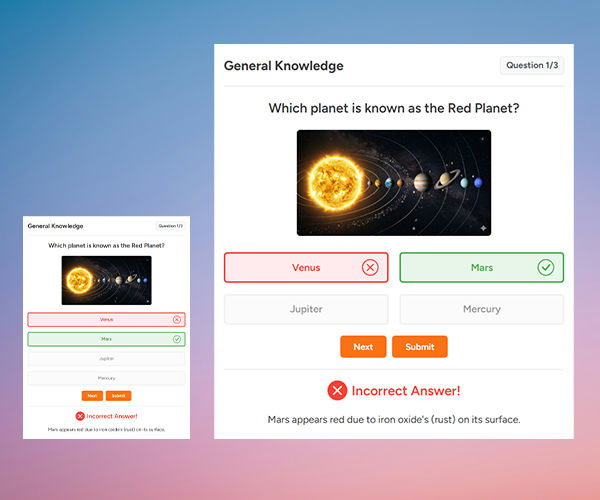
Quiz with question image
Create quiz with beautiful question image by Selecting an image in the question title and you can show question image beautifully on the frontend that will attract users.
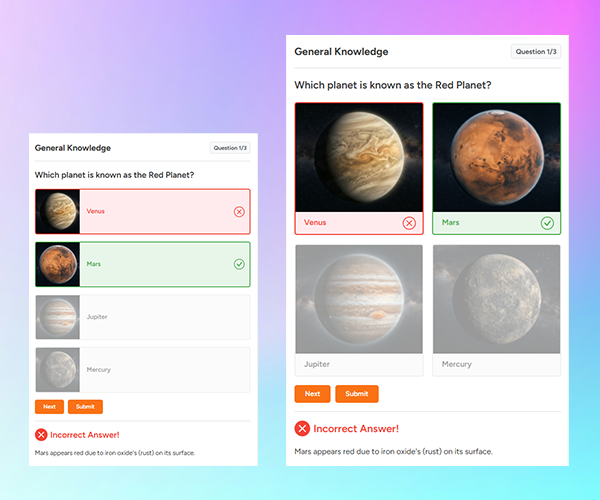
Quiz with option image
You can show image in the option and make user enagagement attractive and better. Entertain users with image as the option and they will appreciate your fun loving nature.

Multiple option styles
Select from multiple option styles that includes button, radio and toggle with multiple answer feedback icon positions such as before, after option text or in the end of the option.
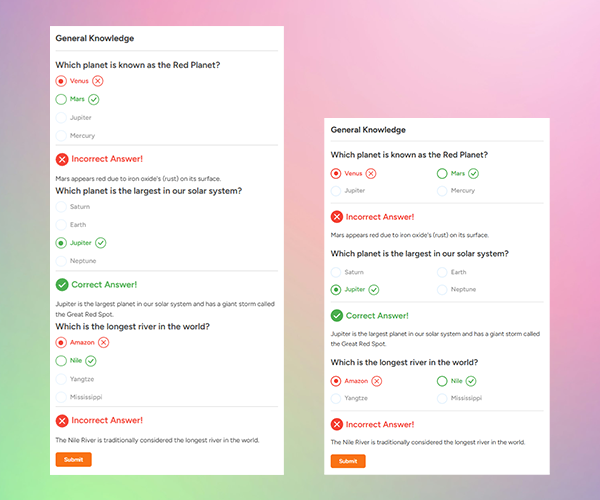
List mode with answer
Select and activate single or list mode in the quiz settings and create quizzes in single or list mode in the frontend with or without instant answer feedback and explanation.
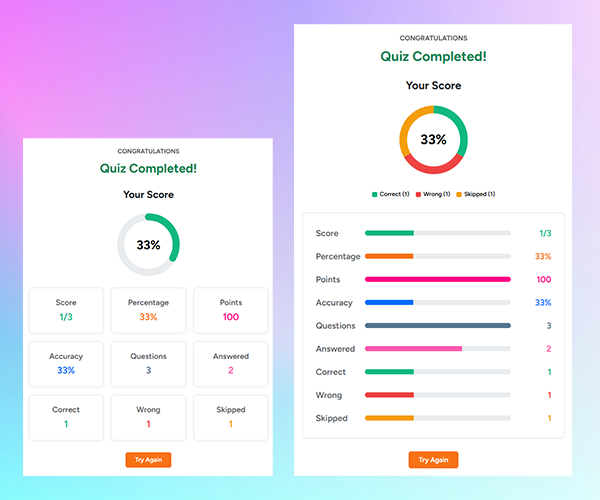
Result that looks beautiful
Combine multiple result styles from circle, donut, bar chart to simple number, percentage, list or table score with complete detailed stats and full answer review system.
Create quizzes easily
Create quizzes easily with clean, simple and powerful quiz builder. Add questions and select from different quiz setings and styles and you can display quiz on your site easily.

Frequently Asked Questions
Got questions? We've got answers.
What is Anand Quiz Maker WordPress Plugin?
Anand quiz is a premium quiz maker wordpress plugin offered by AnandSites. You can create quiz for any purpose easily with easy to use quiz builder from the admin dashboard. Just Add questions and select the desired styles and options in the quiz settings and you can cerate your quiz wihin minutes.
How do I create and display my first quiz?
You can easily create a quiz by going to Quiz Add Page and adding questions and options there. You also need to select the correct option and enter explanation as well. And once you save the post, you will get a shortcode which you can add to anywhere on your WordPress site to display the quiz there.
Will this plugin slow down my website?
Not at all. Anand Quiz is engineered with clean architecture and optimized database queries to ensure maximum performance and minimal impact on your Core Website. Quiz assets and queries are loaded only on the page where quiz is added for clean and minimal impact on your main site.
Can I customize the look of my quizzes?
Absolutely. Anand Quiz inherits styling from your active WordPress theme by default to ensure it blends seamlessly. You can also easily add custom CSS or use our built-in styling options for each quiz in the quiz settings.
Ready to Create Your First Quiz?
Join thousands of WordPress users who rely on Anand Quiz to engage their audience and capture more leads.